
↔
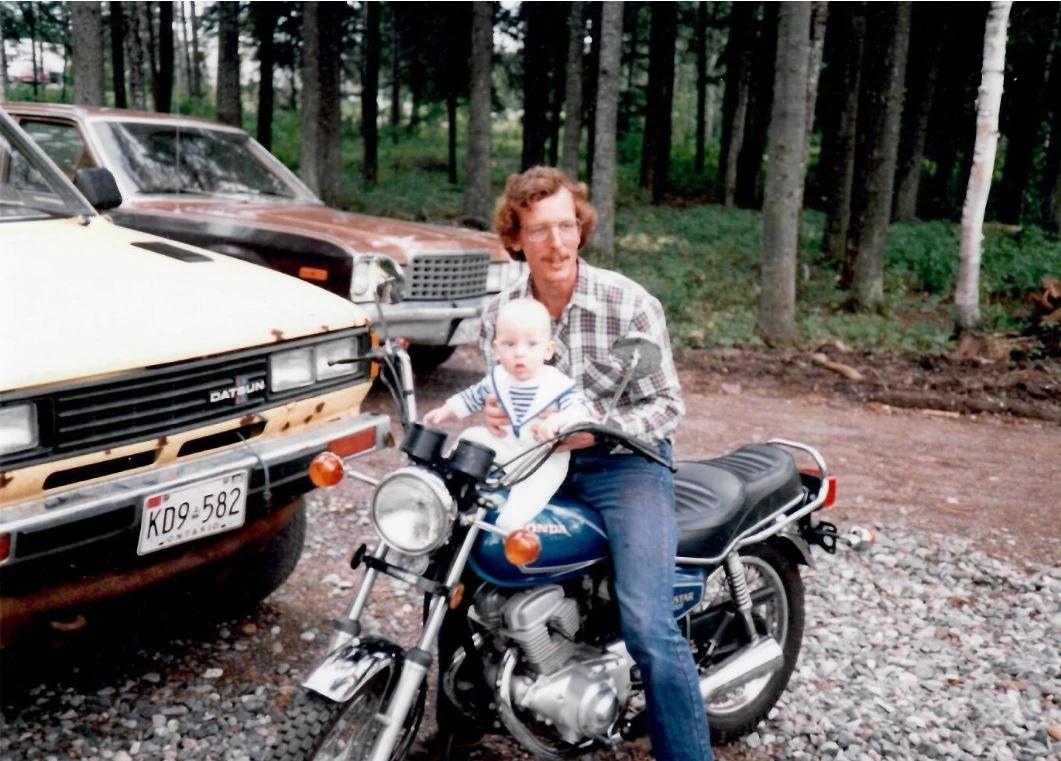
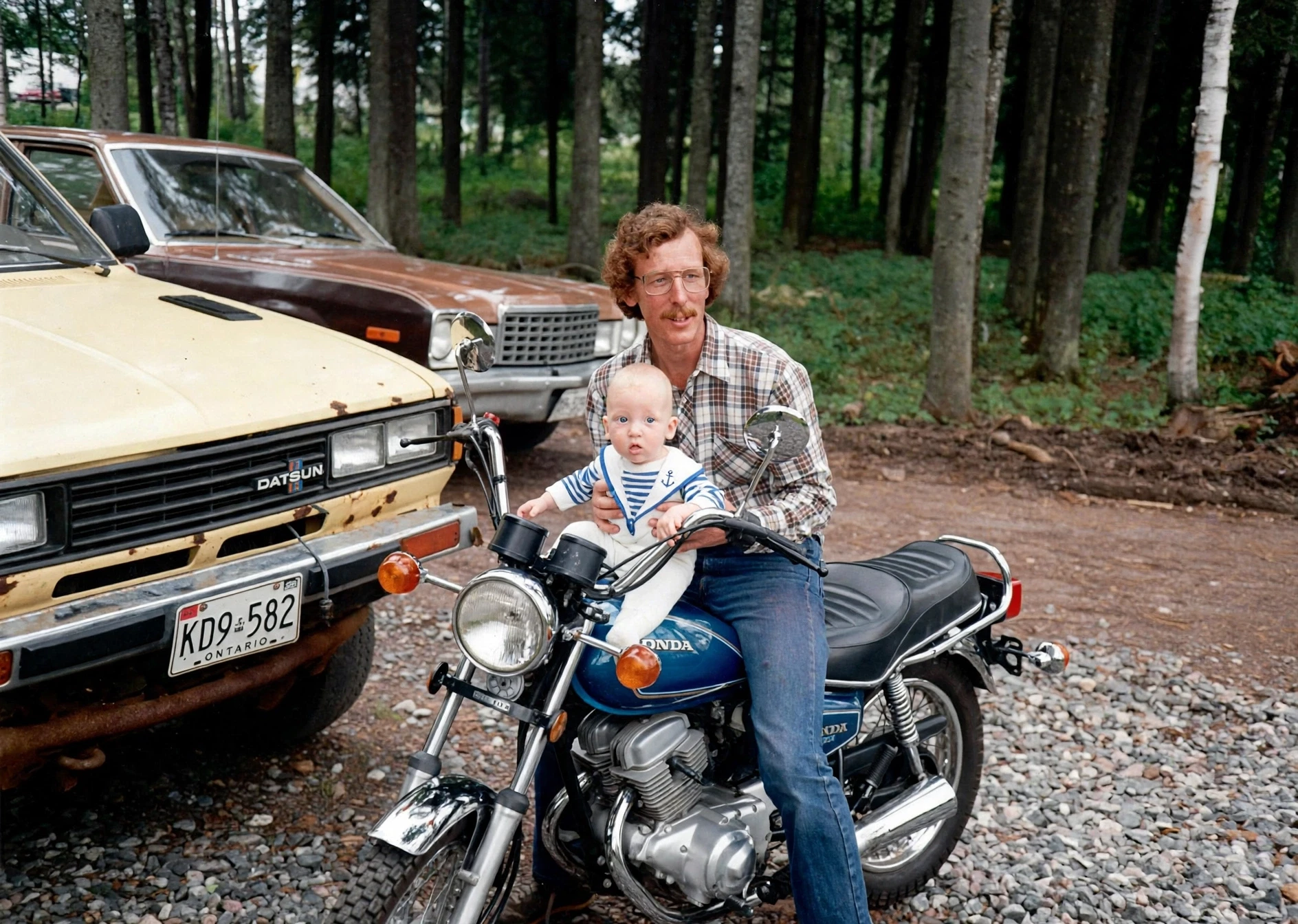
AfterBeforeRestore a damaged photograph
A preservation-focused edit that repairs age damage while retaining the original portrait and photographic character.
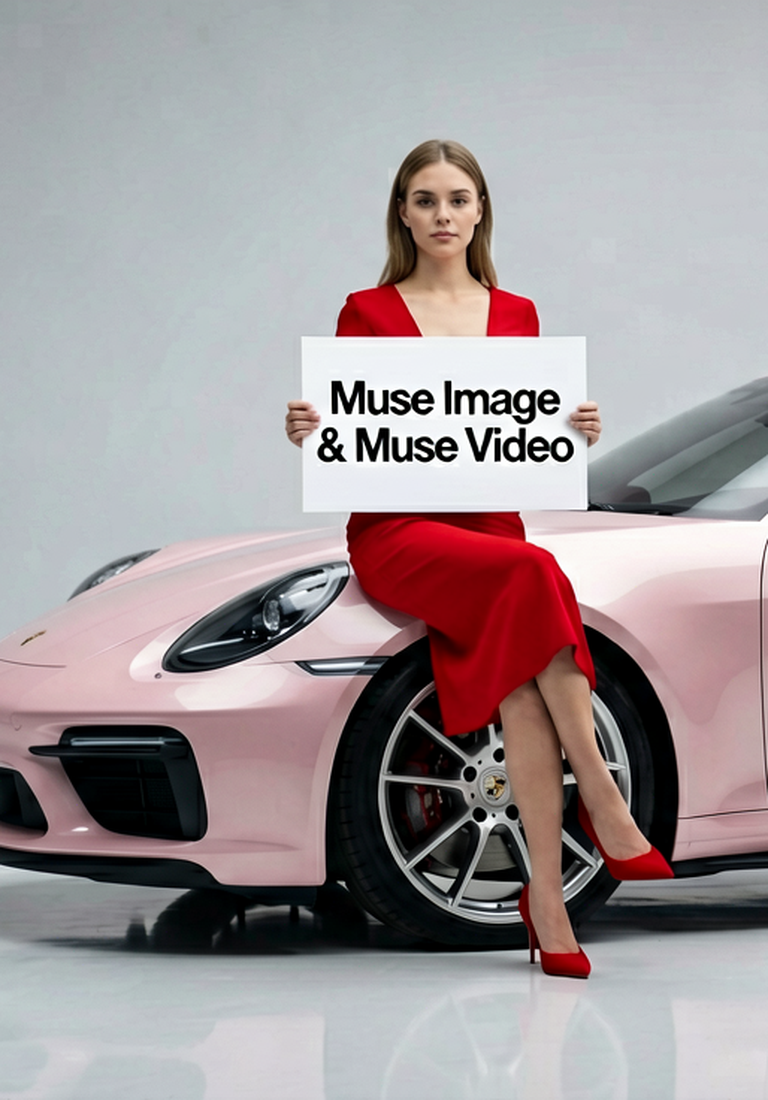
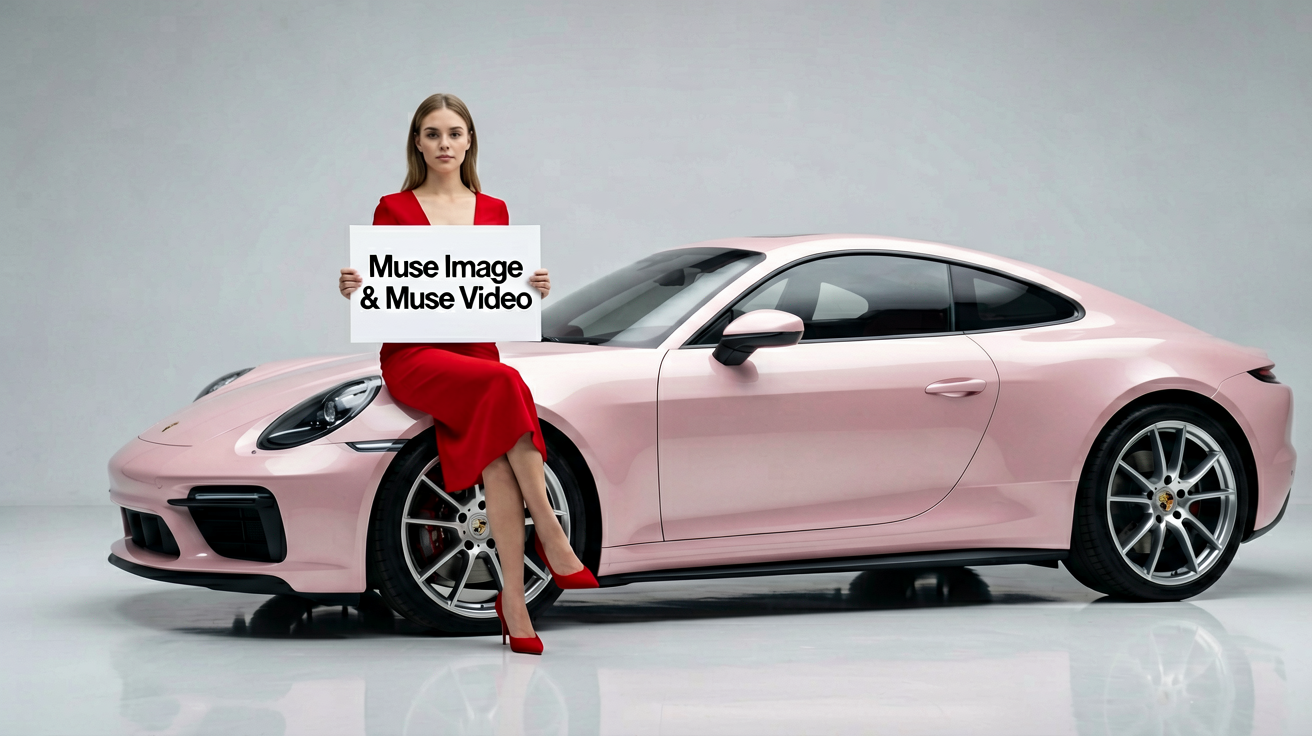
Create AI images, edit references, draft text-to-video prompts, and animate image-to-video ideas while Muse Image and Muse Video work in one studio.
Create visual references for Muse Video-style scenes before turning them into motion.
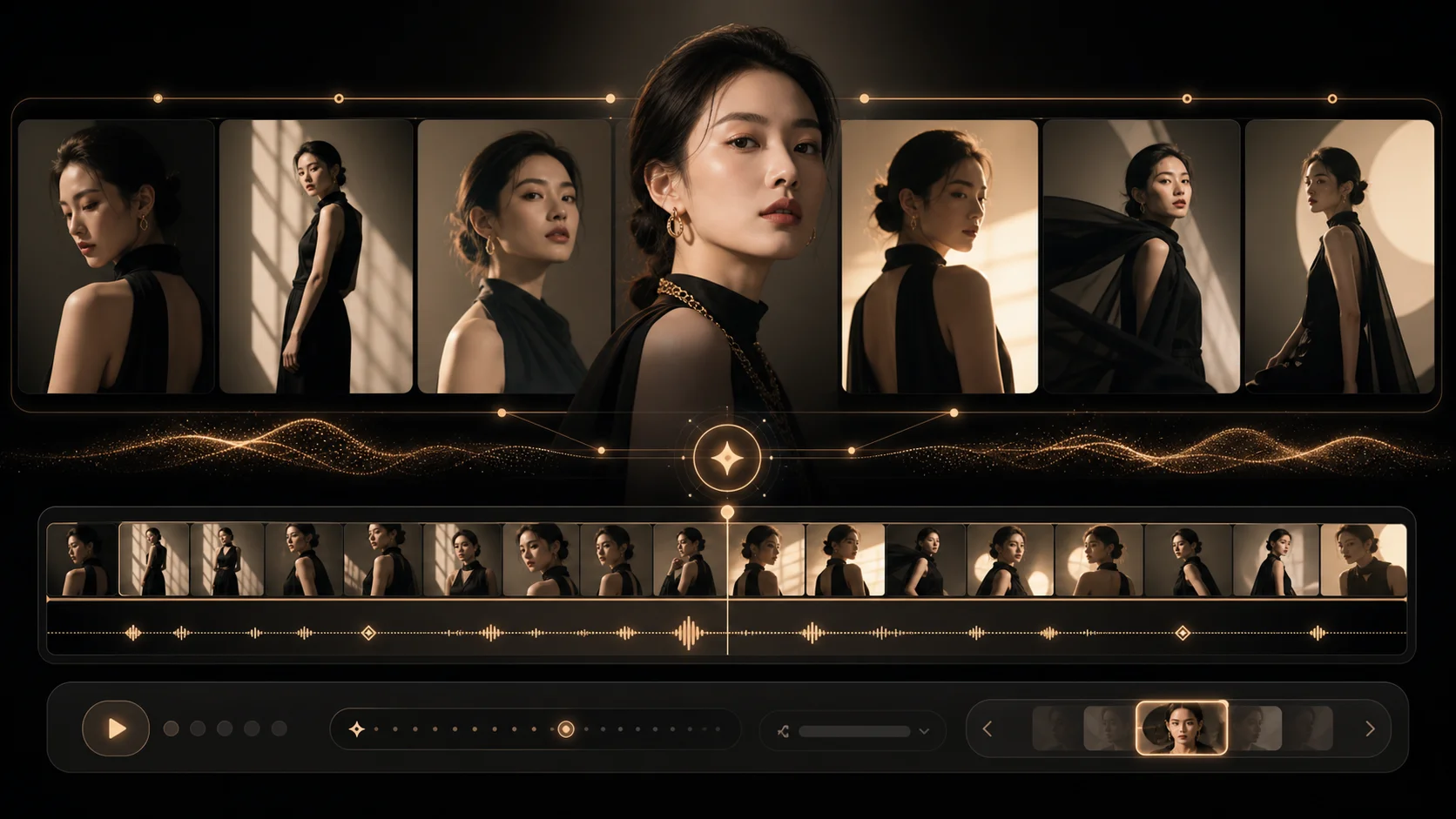
Example Gallery
See sample outputs for Text to Image in the Muse workspace.
Meta introduced Muse Image as a creative model for still images, short videos, editing, presets, and social creation flows. Use these official examples as inspiration before generating your own images or motion drafts.
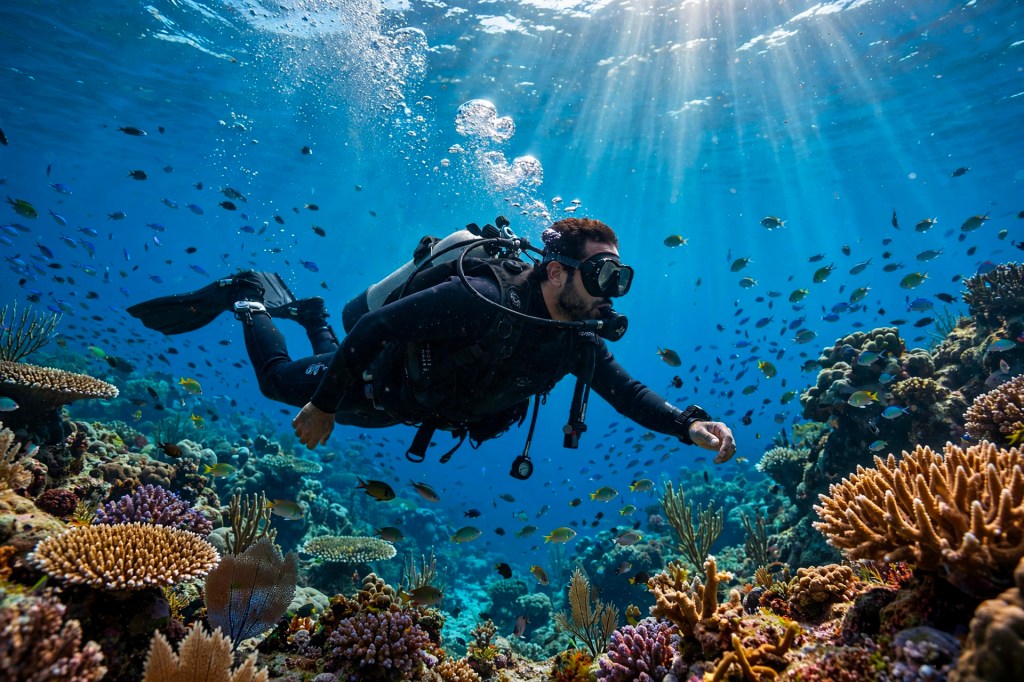
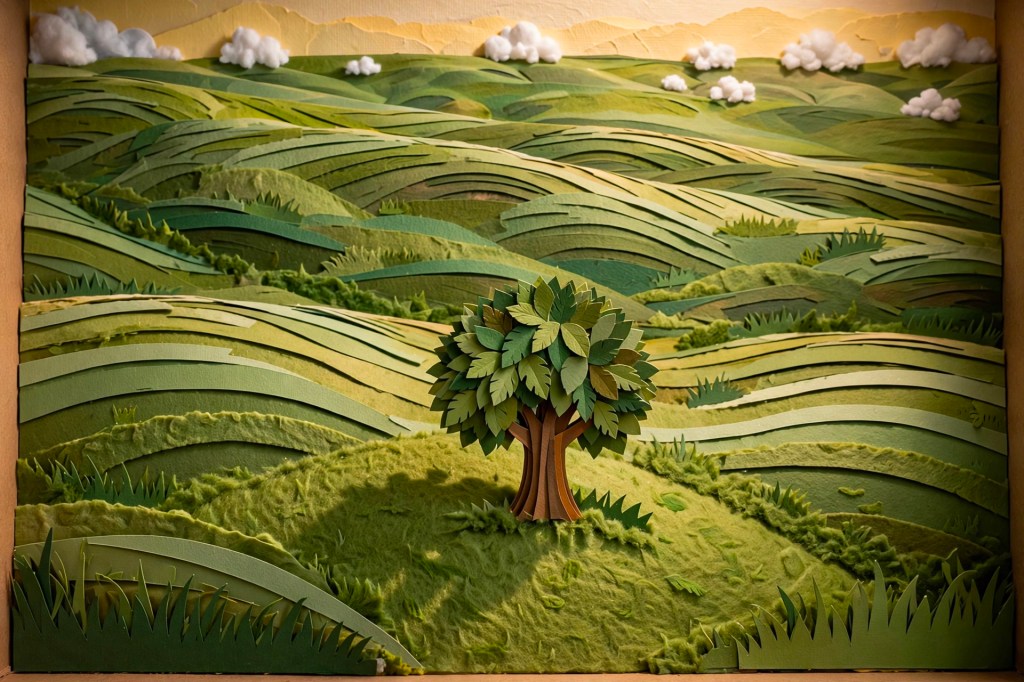
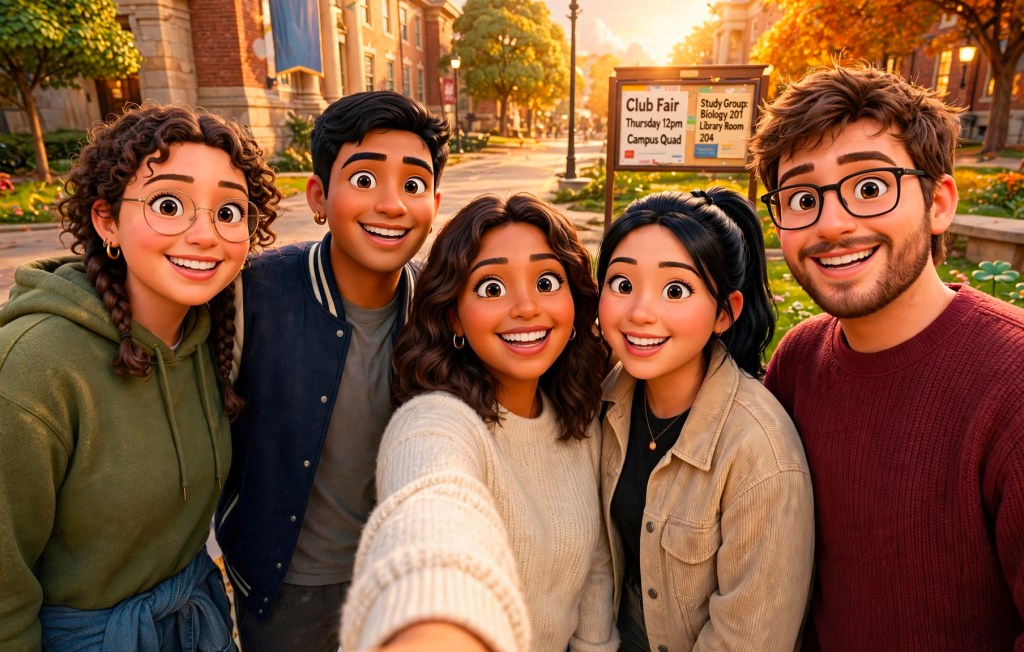
Official Muse showcase
Explore locally cached media from Meta's Muse announcement: controlled image edits, multi-reference composition, and three very different video directions.
Drag each divider to compare the supplied image with Meta's demonstrated edit.
A preservation-focused edit that repairs age damage while retaining the original portrait and photographic character.
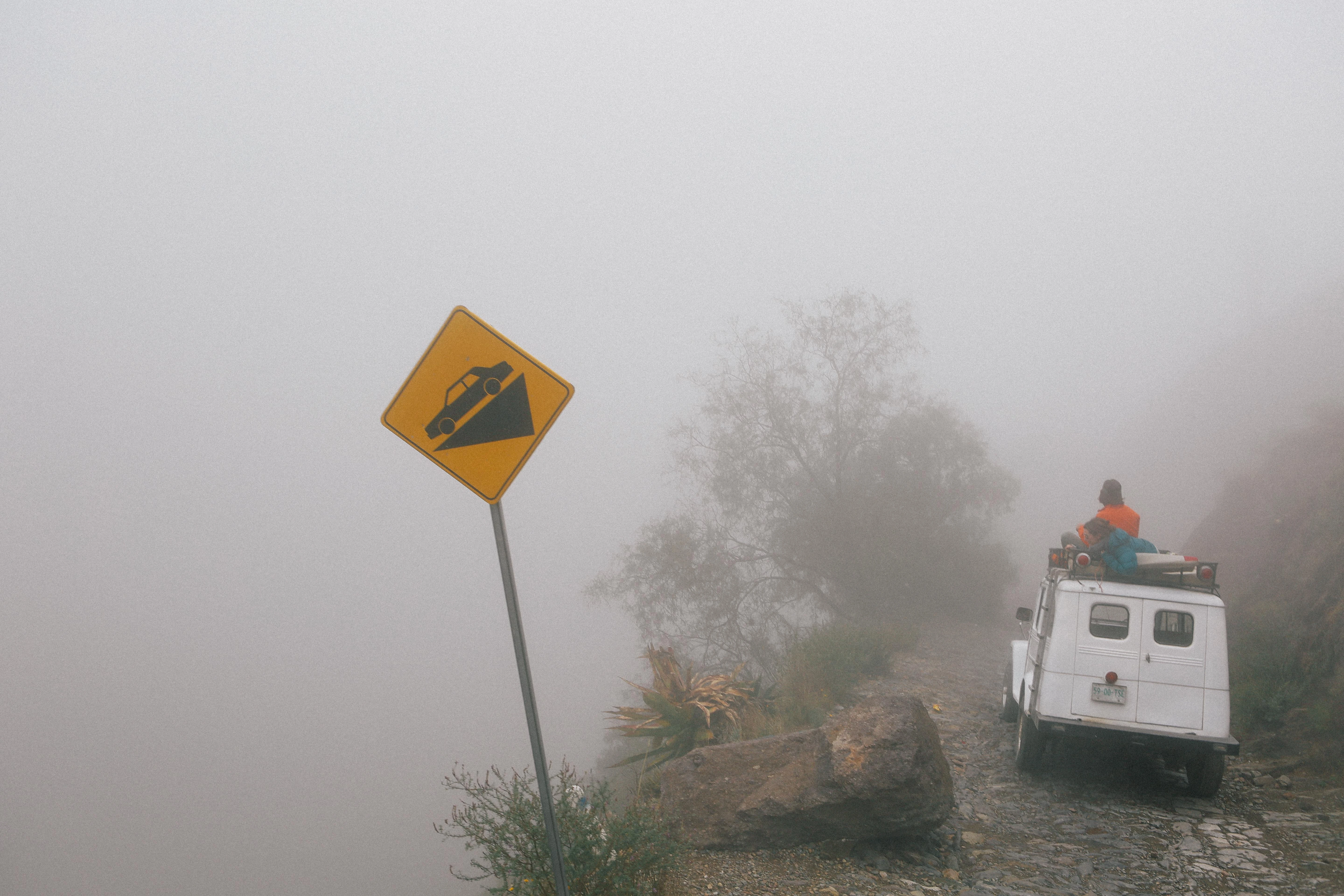
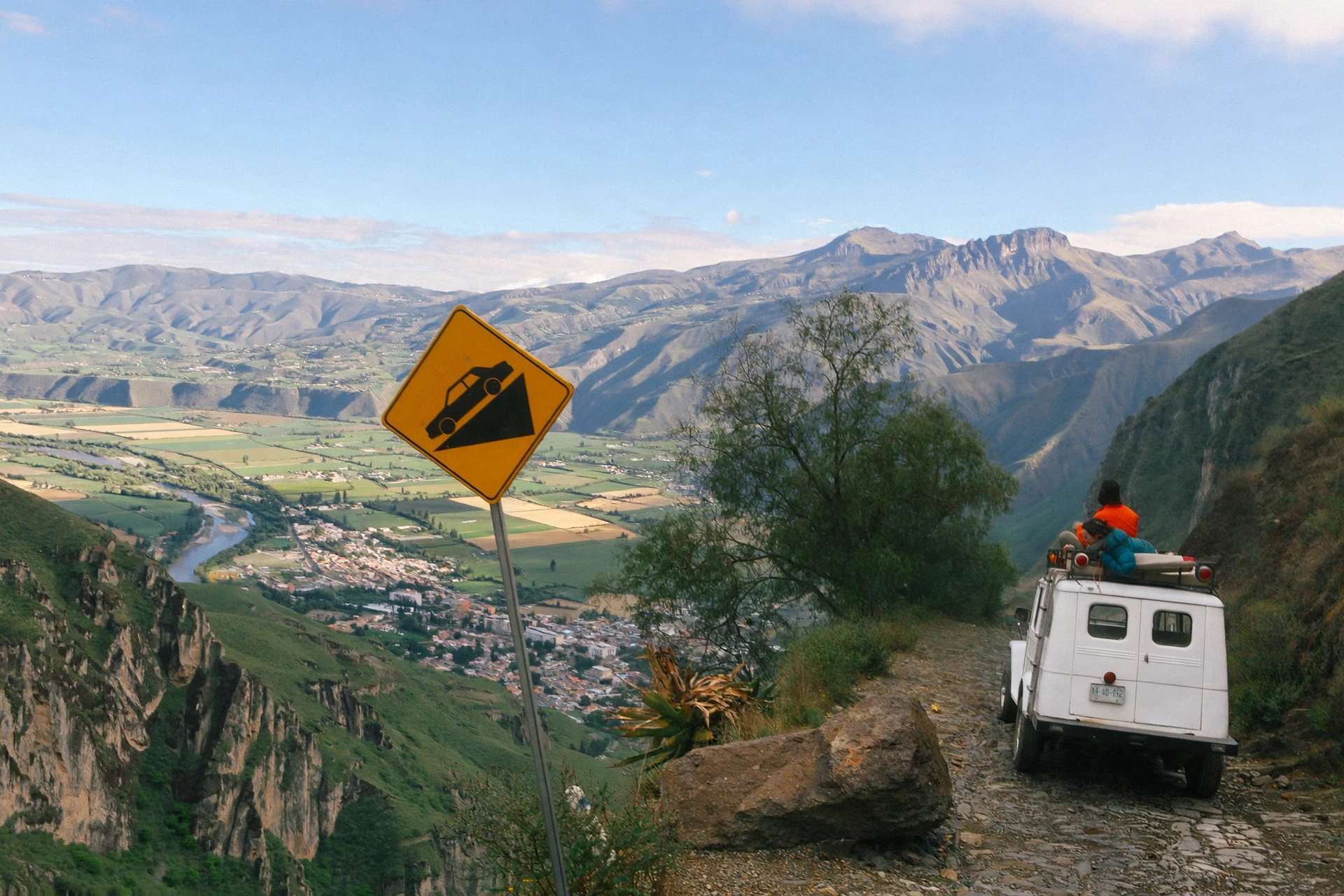
A scene-level edit that lifts dense fog and reveals the landscape without changing the underlying composition.
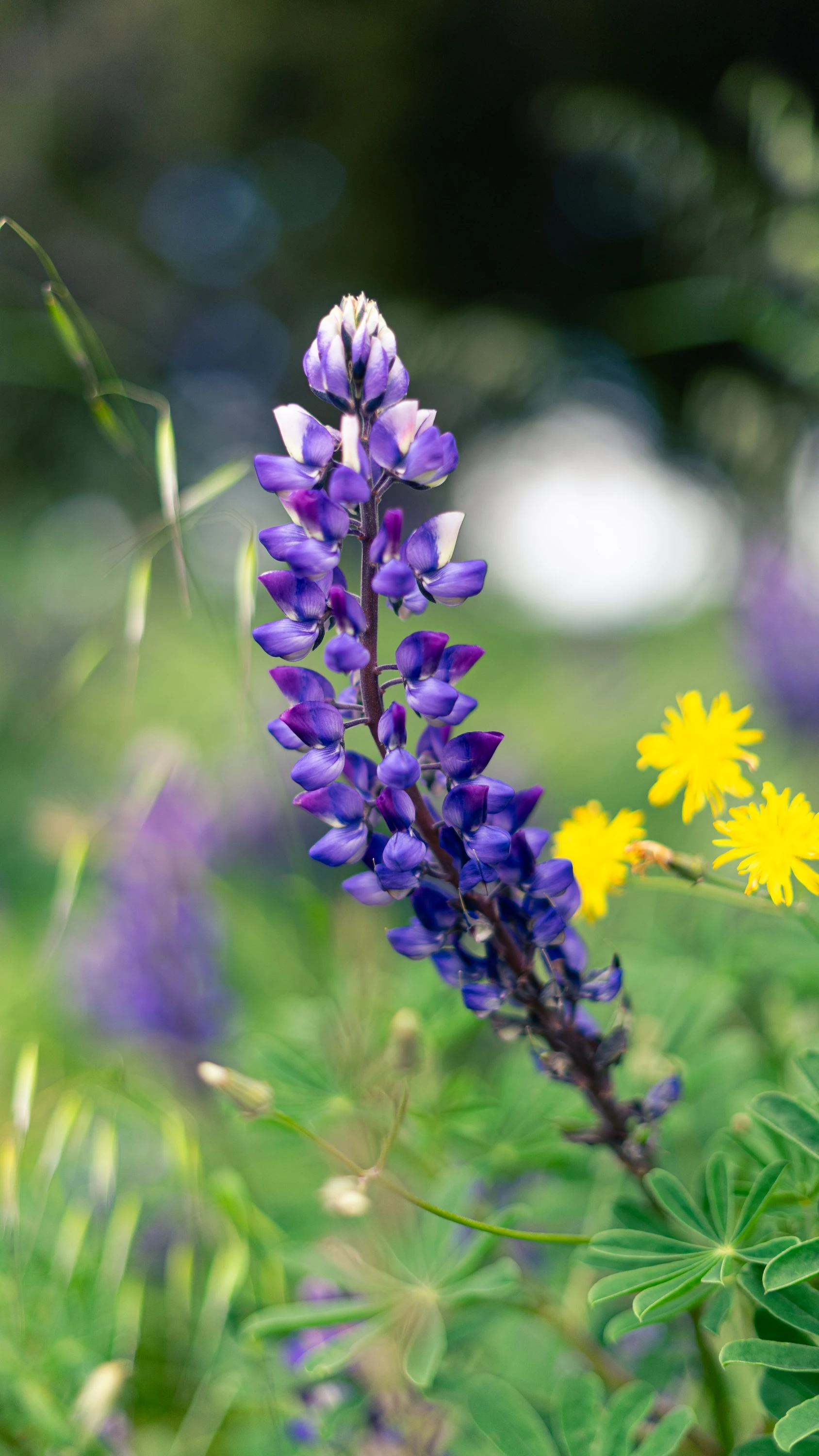
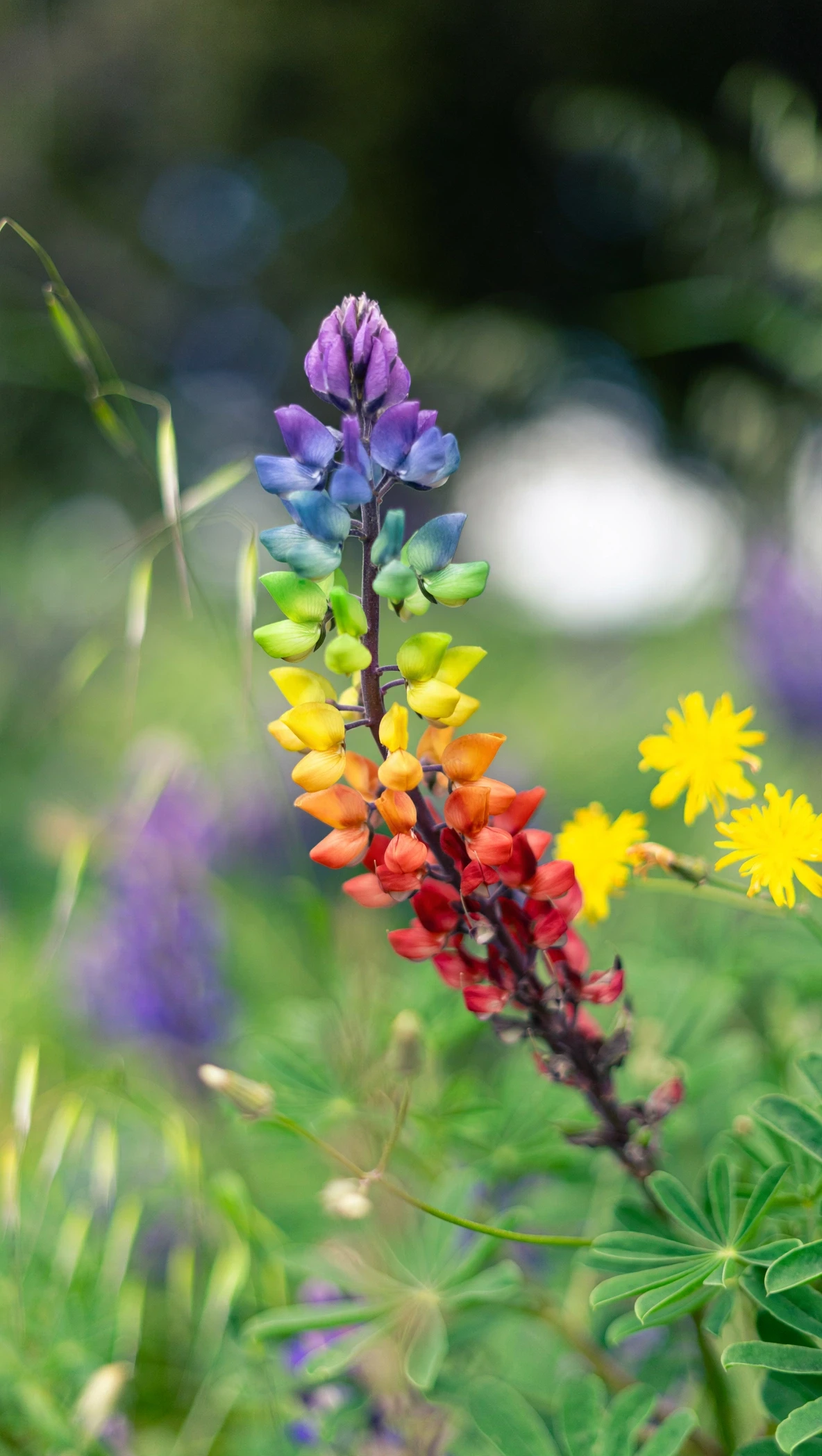
A localized fashion edit that turns the garment into a floral construction while preserving the pose and art direction.
Meta's examples combine subject, styling, space, and art-direction references into a coherent result.
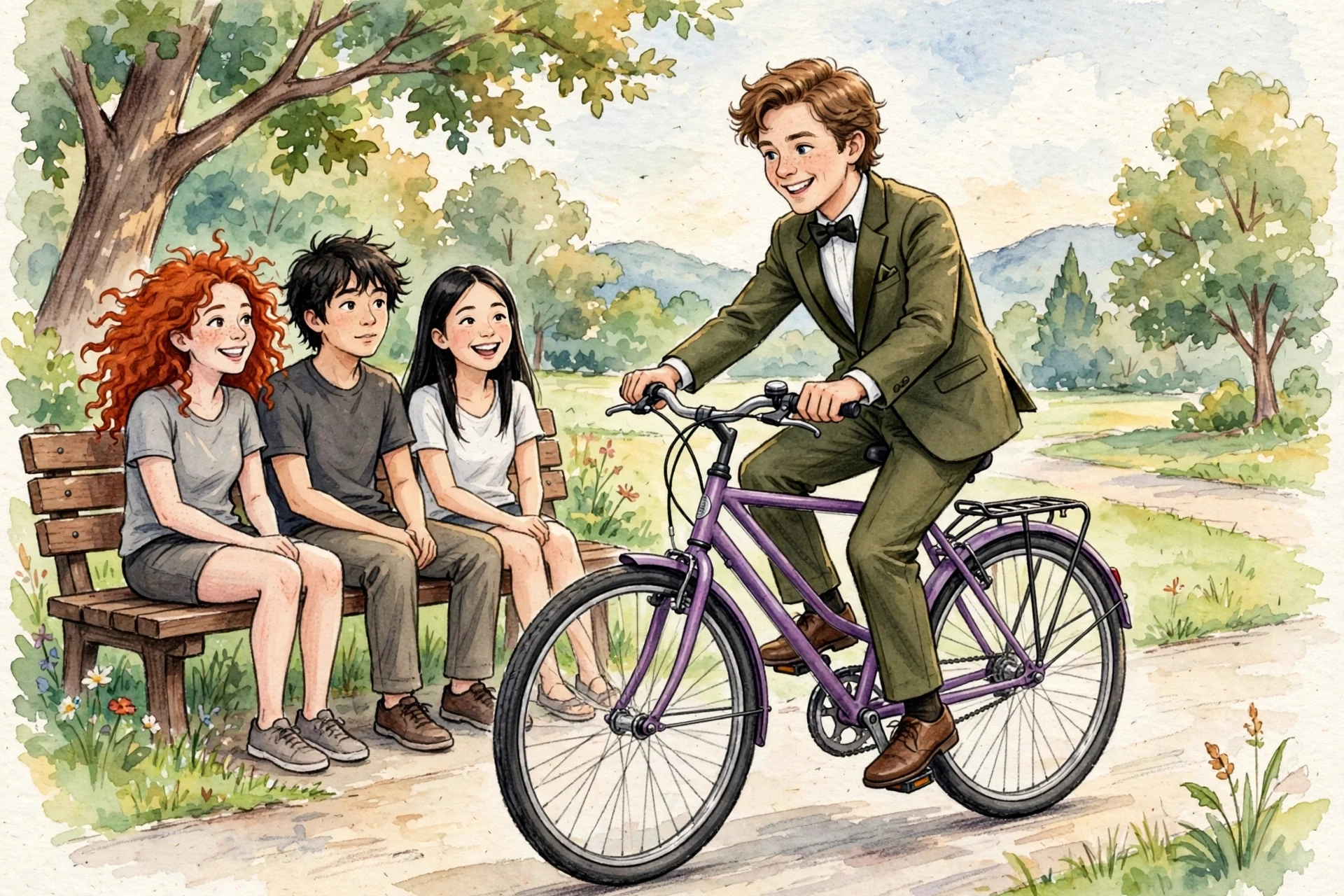
A single fashion portrait shaped by identity, clothing, pose, lighting, and visual-style references.
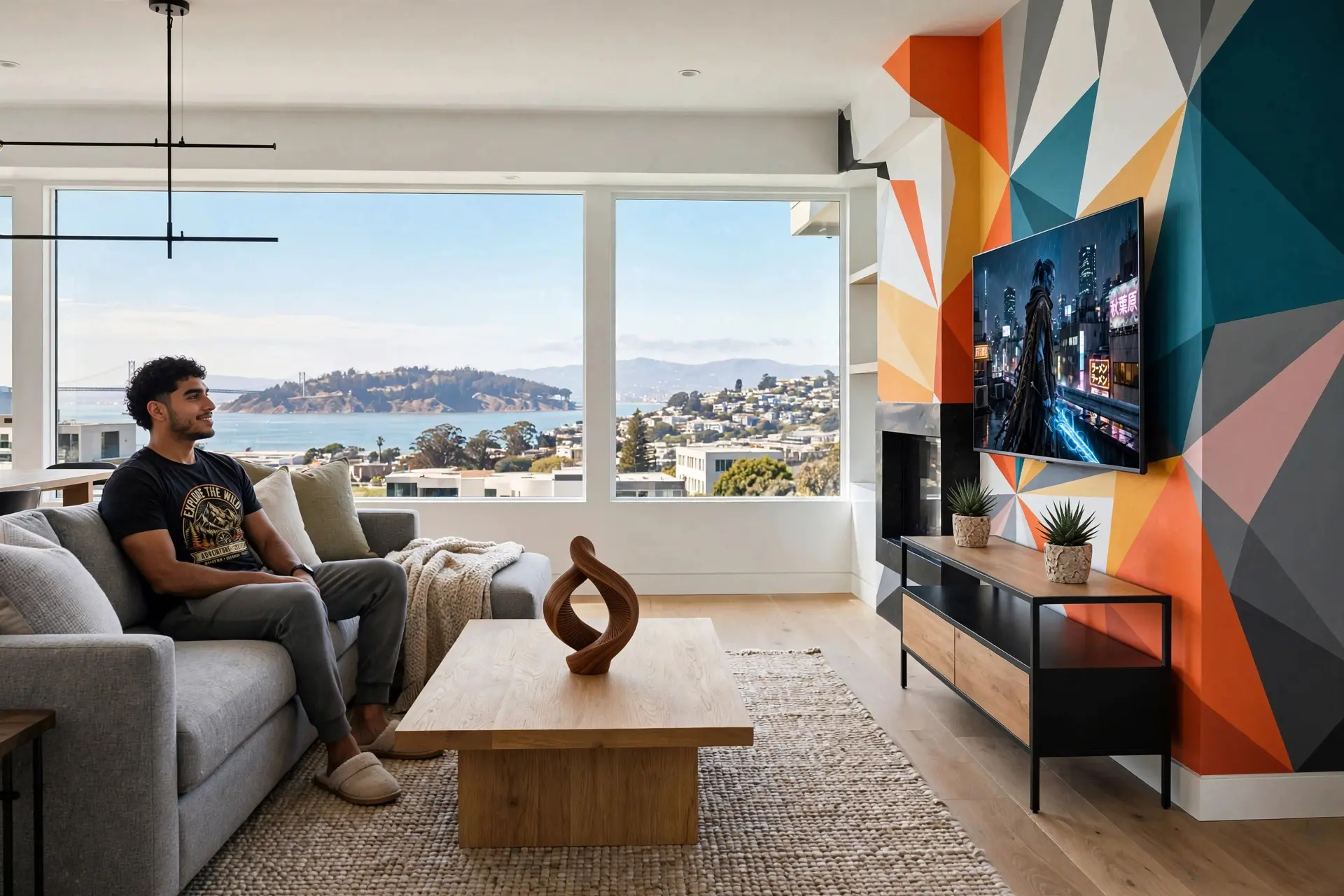
A room concept assembled from spatial, material, furniture, and atmosphere references.
Three official samples show cinematic character work, creator-style vertical footage, and commercial product storytelling.
A polished character sequence with camera movement, physical action, and synchronized sound design.
A mobile-first lifestyle sequence with natural pacing and the visual language of creator content.
A tightly art-directed advertising sequence built around product detail, motion, and sound.
All media in this section is cached from Meta's official Muse announcement for editorial reference.
View the original announcementOne Image Muse and Video Muse workspace for image generation, image editing, text-to-video, and image-to-video creation.
Use Muse Image to turn prompts into cinematic reference frames for brand, product, and story concepts.
Upload a reference and restyle it with Image Muse before moving into video.
Use Muse Video to generate motion from scene, mood, and camera prompts.
Animate uploaded frames into polished short-form Video Muse outputs.
Every generation uses credits, so pricing stays simple and transparent.
Preview the generated image or video beside the form and download it immediately.
A multimodal AI creation workspace built around two clear model routes: Muse Image for still visuals and Muse Video for motion, also discoverable as Image Muse and Video Muse workflows.
Create text-to-image references, product visuals, posters, social assets, and editable image concepts with Image Muse.
Turn prompts or reference images into cinematic Video Muse drafts for campaigns, explainers, and short-form content.
Text to Image, Image to Image, Text to Video, and Image to Video are available from one unified studio.
Browse rotating MeiGen-powered prompt examples before generation, then compare them with your own outputs.
Generated images and videos appear in the right-side preview panel as soon as tasks complete.
Download generated images, video drafts, or inspiration examples directly from the preview panel.
Move from prompt idea to finished image or video draft without switching tools.
Select Muse Image for image outputs or Muse Video for video outputs based on your selected mode.
Start from your own brief or use gallery inspiration to shape camera, style, lighting, and motion cues.
Each mode has a clear credit cost, so teams can plan experiments and production runs transparently.
Preview generated outputs beside the form, browse alternatives, and download the media you want to keep.
Muse Image and Muse Video are designed for creators who need fast visual exploration and usable production drafts.
Draft TikTok, Reels, Shorts, and launch hooks with text-to-video and image-to-video workflows.
Generate product visuals, hero frames, launch teasers, and motion concepts before production.
Build reusable image and video prompt patterns from proven gallery references.
Explore client concepts quickly, compare directions, and download drafts for stakeholder review.
Everything you need to know before creating with Muse.
Generate cinematic images and videos from one focused workspace.